
Platform / Business continuity
Prepare for the disruption you cannot avoid.
Understand the activities your organisation must maintain, what they depend on, how quickly they need to recover and the decisions your people will face when a disruption happens.
Book a demoThe continuity workflow
From dependencies to a usable response.
The same information follows the work from preparation into a live incident, rather than leaving the response team to reconcile separate documents.
01 / Understand
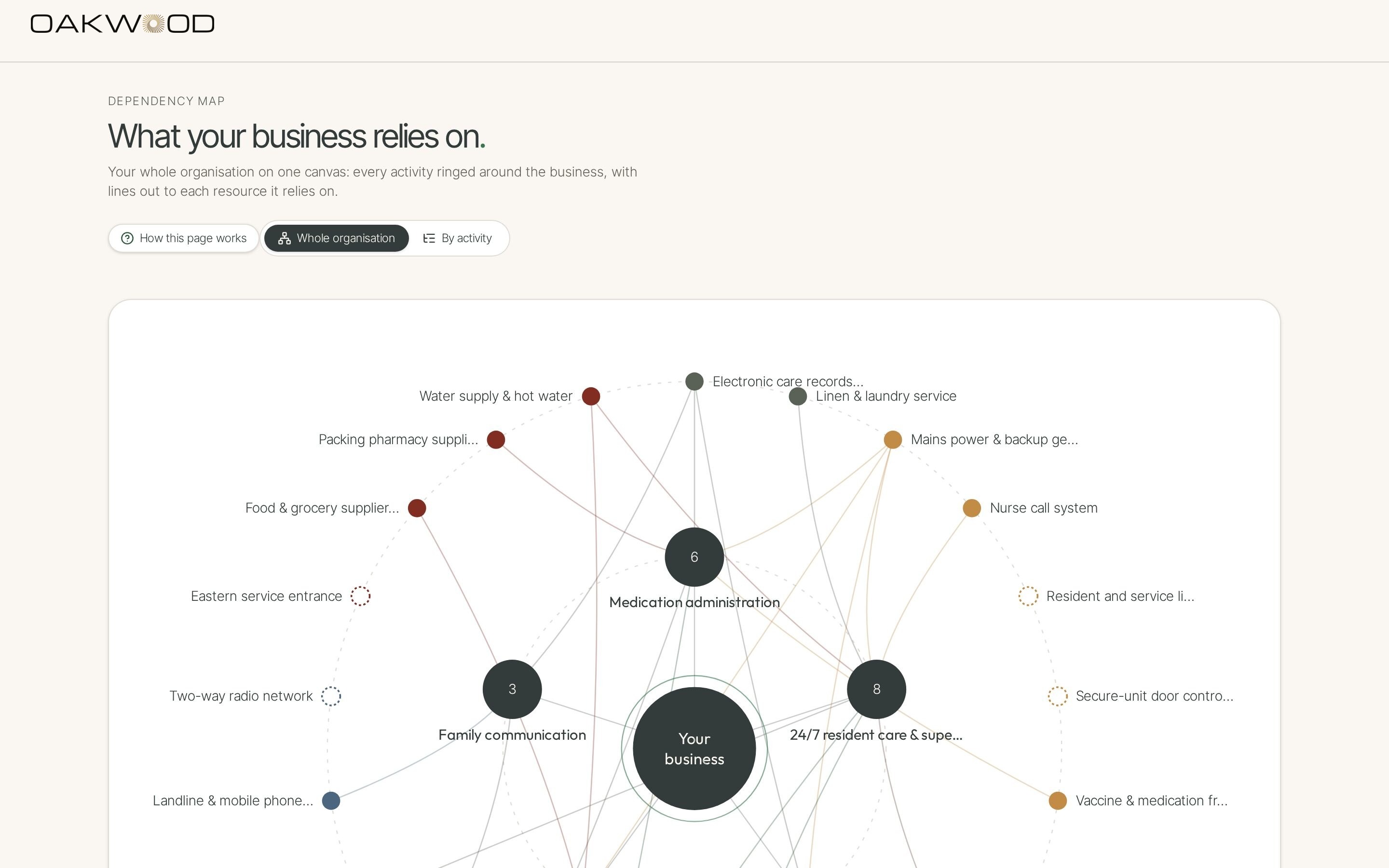
Map what each activity relies on
Link activities to people, premises, systems and suppliers. See where a shared dependency could disrupt more than one team or site.
02 / Assess
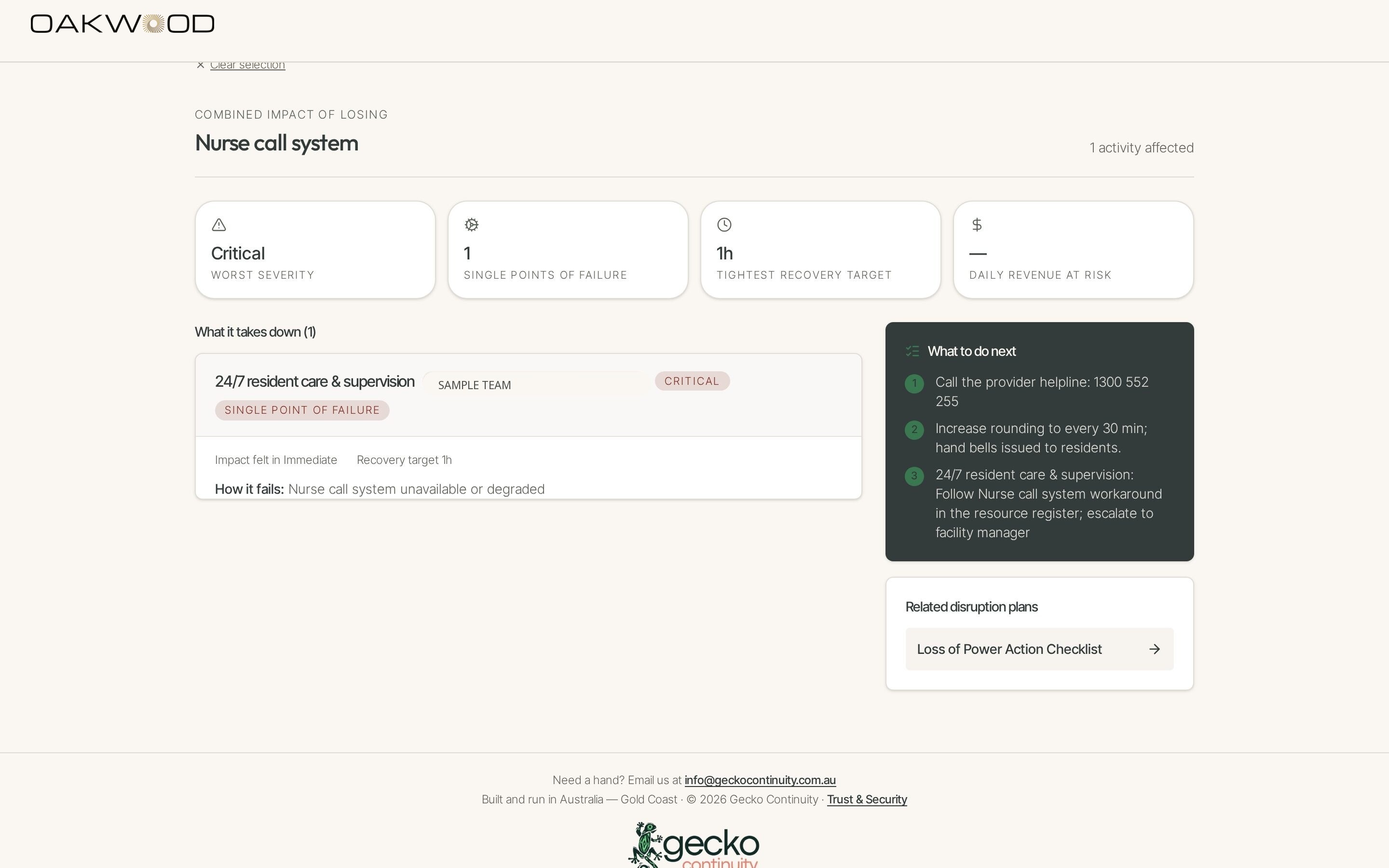
Test the impact of a failure
Select one or more failed resources and review the affected activities, severity, recovery objectives and revenue at risk. Record minimum service levels and workarounds alongside your recovery priorities.
03 / Prepare
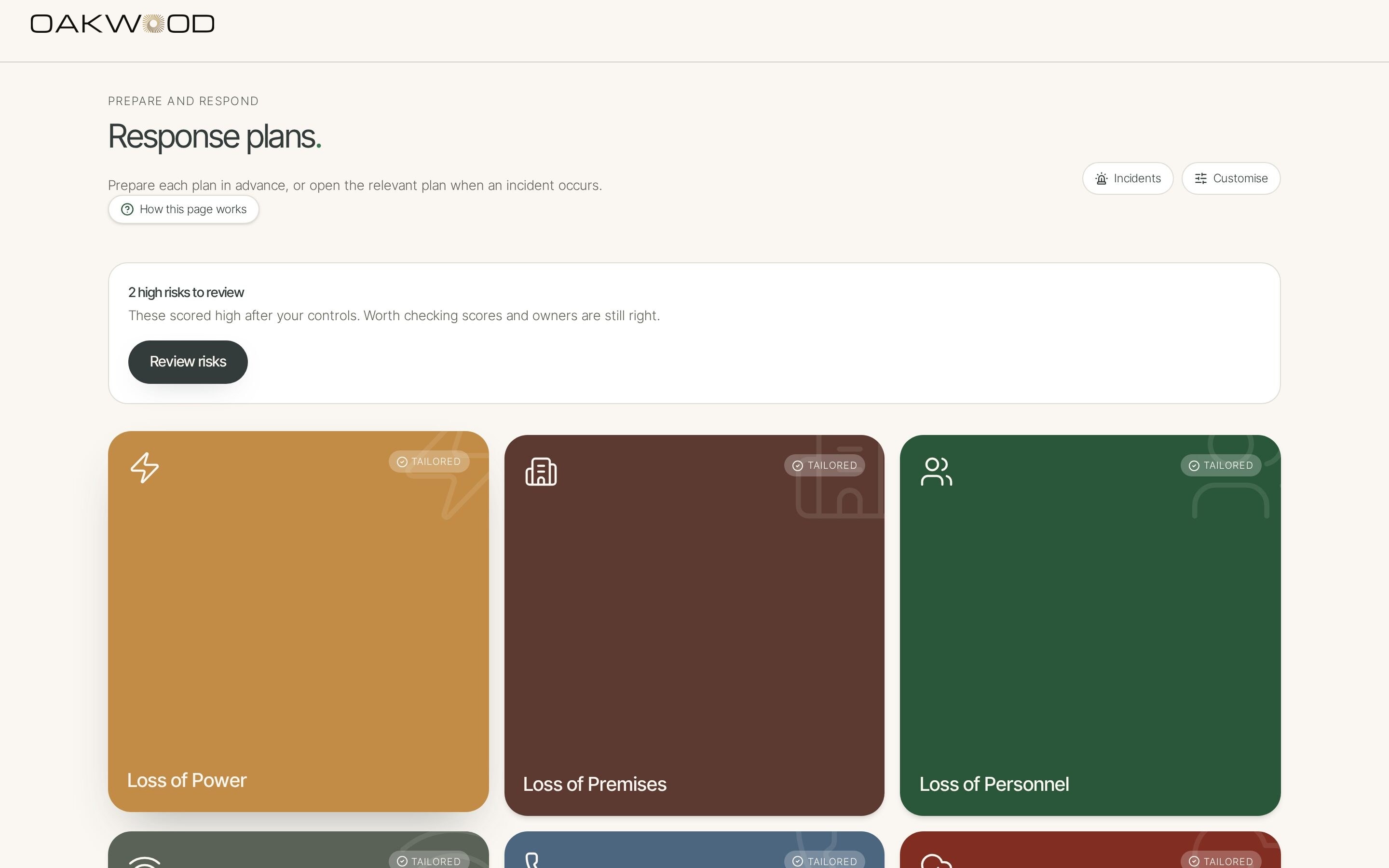
Build plans people can follow
Create scenario plans as checklists or decision trees. Link steps to owners, affected resources and the questions that matter when the situation changes.
04 / Respond
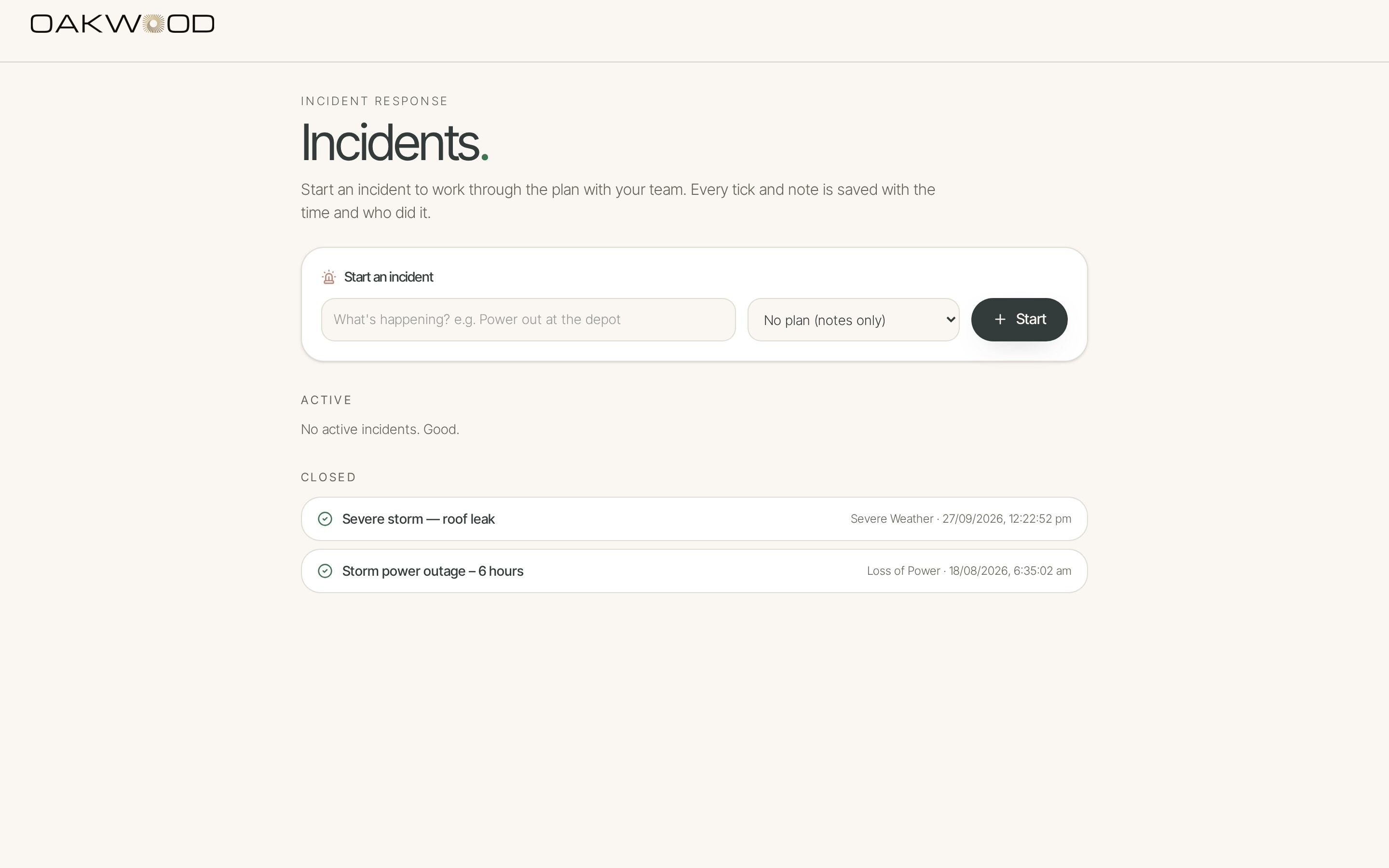
Work through an incident with a record
Launch the linked plan, confirm which resources are actually down, follow the guided steps and record decisions and progress as the response unfolds.
Start with the risks you already know.
See how the risk register, ownership and 5×5 matrix support the wider resilience picture.